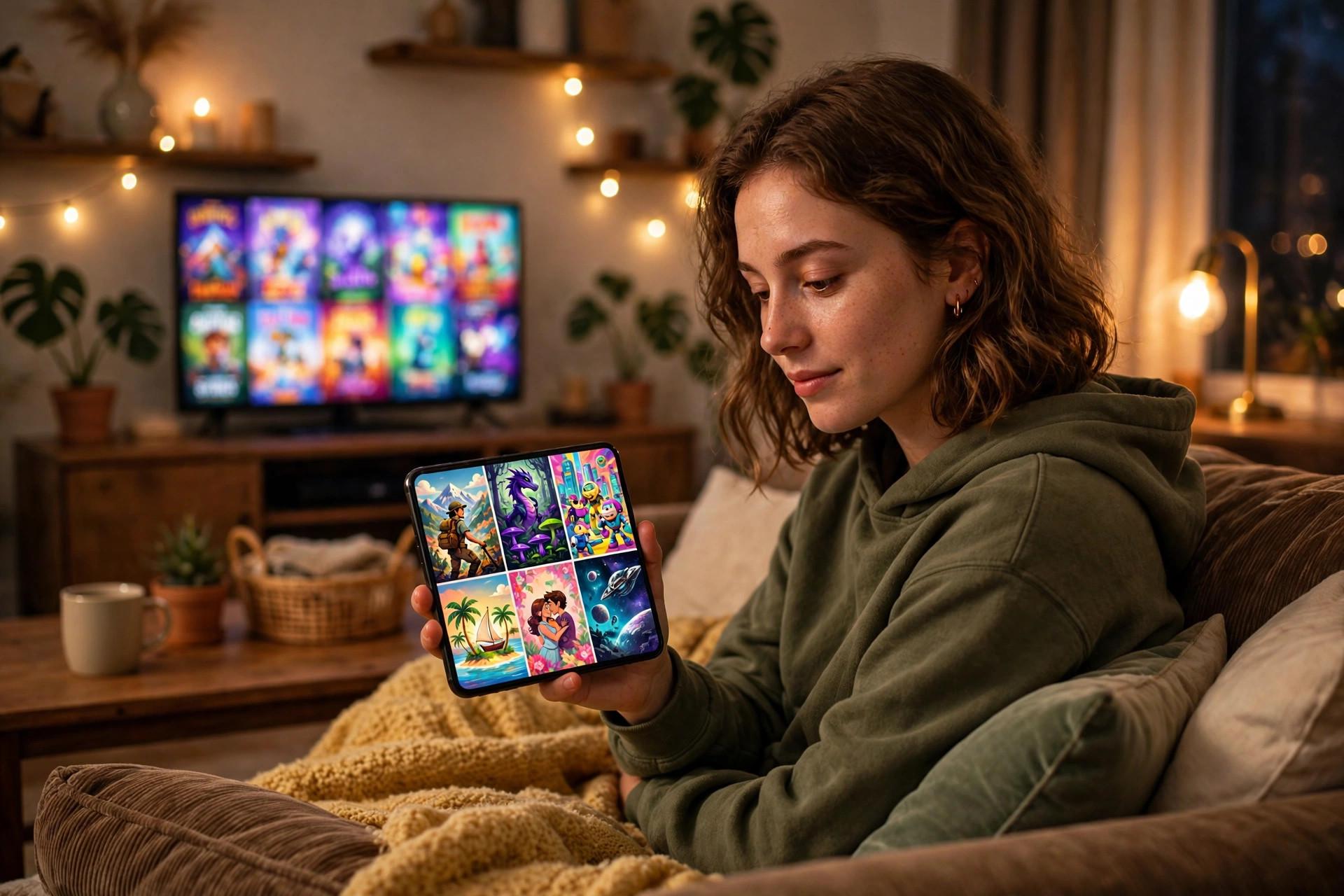
Here is iptv smarters pro ireland explained with real details — the channels, the prices, and how to test it free. IPTV Smarters Pro is the most flexible player for viewers in Ireland, because it runs on almost everything: Firestick, Android phones and tablets, iPhone and iPad, Apple TV, Windows and Mac. One login works on all of them, so the subscription you set up on the sitting-room television also works on the phone on the train to Dublin. It has a built-in player, a TV guide, favourites, catch-up and multi-screen viewing, and it is free to install.
This guide walks through IPTV Smarters Pro with a 4K Media Ireland subscription. The login is the Xtream Codes API method: a username, a password and a server URL, sent to you on WhatsApp when you start the free 24-hour trial or buy a plan. Message +212 604 034 330, say which device you use, and the details arrive within minutes. No card is needed for the trial.
IPTV Smarters Pro Ireland: Install IPTV Smarters Pro on Firestick and Android
On a Firestick, install IPTV Smarters Pro through Downloader — the same route as IBO Pro Player in the Firestick setup guide. On Android phones, tablets and Android TV, install it from Google Play. Open the app and choose Login with Xtream Codes API. Enter the username, password and server URL exactly as sent, give the playlist a name — 4K Media Ireland is fine — and tap Add User. The channels, films, series and EPG load in the background.
The first load takes a few minutes, because the app is downloading 57,000+ channels and the guide for all of them. Let it finish before you judge it: open RTÉ One first, check the picture, then let the rest load. If the app asks for a playlist name, any name works — it is only a label on your device. If login fails, check the password character by character; it is case-sensitive, and a capital letter typed as lower-case is the most common failure.
Install on iPhone, iPad and Apple TV
Apple users get the same app from the App Store. Install IPTV Smarters Pro on iPhone or iPad, choose Login with Xtream Codes API, and enter the same three details. On Apple TV, install the app from the App Store on the television itself and log in the same way. The interface is the same across Apple devices, so a playlist set up on the iPhone is familiar on the Apple TV. The iPhone and Apple TV guide covers the Apple setup in full.
On iOS, the app asks permission for notifications — say no unless you want programme reminders. The player settings matter more: set the player to the built-in one first, and only switch if a channel stutters. On an iPad, the multi-screen view shows two or four channels at once, which suits a Saturday when two games overlap. Picture-in-picture works on iPhone, so the match can run in a corner while you check messages.
The EPG, favourites and catch-up
The EPG is the heart of Smarters Pro. Open Live TV, then the guide, and the day's programmes appear for every channel. Favourite the channels your house watches — RTÉ One, RTÉ2, Virgin Media One, TG4, Sky Sports Premier League, TNT Sports 1, Premier Sports — and they sit at the top of the list. Long-press a channel to add it, and use groups to split sport, Irish channels, news, films and kids into their own lists.
Catch-up works where the channel supports it: open the guide, find the programme you missed, and play it from the start. It is the feature that saves a household when the throw-in was at 3:30 and you got home at 3:45. The VOD section is separate: 185,000+ movies and 49,000+ series on Premium, with search, recent additions and subtitles. The movies and series guide shows how to find new releases fast.
Smarters Pro on Windows and Mac
On a laptop, IPTV Smarters Pro for Windows and Mac is the straightforward choice. Install it, log in with the same Xtream Codes details, and the full channel list appears. Full-screen mode turns a laptop into a second television, and a wired Ethernet connection gives the steadiest 4K picture. VLC is the alternative on desktop: open the M3U playlist link support sends you, and VLC plays it — simpler, but with no EPG and no favourites worth using.
For a desktop, the practical tip is the same as for a television: use a cable where you can, and keep the stream at Full HD if the Wi-Fi is shared with the rest of the house. If a channel freezes on the laptop but not on the Firestick, the laptop's Wi-Fi is the difference, not the subscription. The buffering guide walks through the fixes.
Try it free for 24 hours before you pay anything
The fastest way to judge any IPTV service in Ireland is to watch it at peak time, on your own television, with your own broadband. A free 24-hour trial from 4K Media Ireland gives you the full Premium line-up — every channel, every film, every match — with no card and no contract. Message us on WhatsApp on +212 604 034 330, tell us which device you use, and the trial is active within minutes.
Use the trial the way you would use a paid subscription. Watch RTÉ One at 6pm, switch to Sky Sports for the Saturday 12:30 kick-off, open a 4K film after dinner, and check the TV guide the next morning. If the picture holds up through a busy Saturday evening in your house in Dublin, Cork, Galway or Belfast, it will hold up on an ordinary Tuesday too. When the 24 hours end, nothing is charged — you choose a plan only if you want to keep watching.
IPTV Smarters Pro setup checklist
- Install IPTV Smarters Pro from Google Play, the App Store, or Downloader on Firestick.
- Choose Login with Xtream Codes API.
- Enter the username, password and server URL from WhatsApp.
- Tap Add User and wait for channels and the EPG to load.
- Favourite RTÉ One, RTÉ2, Virgin Media One, TG4, Sky Sports and TNT Sports.
- Use catch-up in the guide when you miss the start of a match.
Xtream Codes login vs M3U playlist: which to choose
IPTV Smarters Pro offers two ways in, and the choice matters. The Xtream Codes API login asks for a server address, a username and a password, and it brings the channels, the EPG and the films and series in one go, all kept in step with the service. The M3U playlist is a single link that carries the channels, and the EPG comes from a second link that you add by hand. For most people in Ireland, the Xtream Codes login is the better choice: it is faster to set up, the guide updates itself, and the catch-up and VOD sections appear automatically. The M3U route is worth knowing about if you ever move to an app that only takes playlists, but on Smarters Pro the API login is the way in.
Whichever route you take, keep the login details safe. The server address, username and password arrive on WhatsApp after the trial or the purchase, and they are the keys to the subscription. Save them in a note on your phone, not on a scrap of paper, and never share them outside the house: a second household using your login can trigger a lock on the account. If the details stop working, the first thing to check is a typo, usually a letter O typed as a zero, and the second is whether the subscription has expired. Support on WhatsApp can reset the login in minutes.
Smarters Pro on Firestick vs Smart TV vs phone
Smarters Pro behaves differently on each screen, and each has a sweet spot. On a Firestick it is the main television app: big text, a proper guide, and the remote does everything. On a Samsung or LG Smart TV it does the same job without a stick, though the television remote is slower to type on, so the first login is easier with a phone keyboard nearby. On an iPhone or iPad it is the pocket television for the train to Dublin or the kitchen, and the app keeps your place in the guide between devices. The Apple TV guide covers the iPhone and iPad setup step by step.
The app looks the same on all three, which is the point: learn it once and it works everywhere. The live television tab is the guide, the movies tab is the film library, the series tab is the box sets, and the catch-up tab holds the last few days of the main channels. Multi-screen plans let the Firestick in the sitting room and the iPad in the kitchen run at the same time, which is how most Irish houses actually use it. The Firestick guide covers the install on the stick, and the Android TV guide covers the boxes.
Profiles, parental controls and multi-screen
A house with children needs the parental controls switched on before the first evening. Smarters Pro lets you lock the adult channels behind a PIN, and the lock stays on until you enter it, so a child scrolling the guide cannot open anything they should not see. Set the PIN during setup, not after the children have found the channels, and keep it somewhere only the adults know. The movies and series sections have their own parental controls too, and the kids channels sit in their own group, which makes the guide safe to hand to a child.
- Use the Xtream Codes API login: channels, EPG and VOD all arrive together.
- Keep the M3U link as a backup for apps that only take playlists.
- Save the server, username and password in a phone note, never on paper.
- Check for a mistyped O and zero first when a login fails.
- Set a parental PIN before the children use the app, not after.
- Keep the kids channels in their own group for safe scrolling.
- Multi-screen plans let the sitting room and the kitchen watch at once.
- Catch-up holds the last few days of the main Irish and UK channels.
Multi-room: one login, two rooms, one bill
Multi-room is the feature Irish households ask about most, because the house rarely watches one thing. The sitting room wants the match, the kitchen wants the news, and the bedroom wants a film, all at the same time. A single-device plan covers one screen at a time, which suits a flat or a single television. A two-device annual plan at $159.99 on Premium covers the sitting room and the kitchen, a three-device plan at $224.99 adds the bedroom, and a four-device plan at $269.99 covers the whole house, including a parent's television in another house. Each screen watches a different channel, and the bill stays one bill.
The setup is the same login on each device, and the trial is the time to test it. Start the trial on the main television, then add the phone or the tablet and see whether both streams hold at the same time on the house broadband. If the broadband struggles with two 4K streams, drop one to Full HD and the problem usually disappears. The prices guide works out the per-device maths, and the Apple TV guide covers the phone and tablet side of the house.
- One device: suits a flat or a single television.
- Two devices at $159.99 a year on Premium: sitting room and kitchen.
- Three devices at $224.99: add the bedroom.
- Four devices at $269.99: the whole house, including a parent's set.
- Each screen watches a different channel at the same time.
- Test two streams at once during the trial before you buy.
Prices in Ireland: Basic vs Premium
| Plan | 1 month | 3 months | 6 months | 12 months | 12 mo, 2 devices | 12 mo, 3 devices | 12 mo, 4 devices |
|---|---|---|---|---|---|---|---|
| Basic | $14.99 | $24.99 | $39.99 | $59.99 | $109.99 | $159.99 | $199.99 |
| Premium | $19.99 | $49.99 | $79.99 | $99.99 | $159.99 | $224.99 | $269.99 |
One app, every device, one login — that is the point of IPTV Smarters Pro. Set it up with the free 24-hour trial, favourite the Irish channels, and test the EPG on a Saturday. Compare plans, read the TiviMate guide, or message support on WhatsApp for your login details.